![adcredo-knowledge-base-1.png]](https://support.adcredo.com/hs-fs/hubfs/adcredo-knowledge-base-1.png?width=300&height=72&name=adcredo-knowledge-base-1.png)
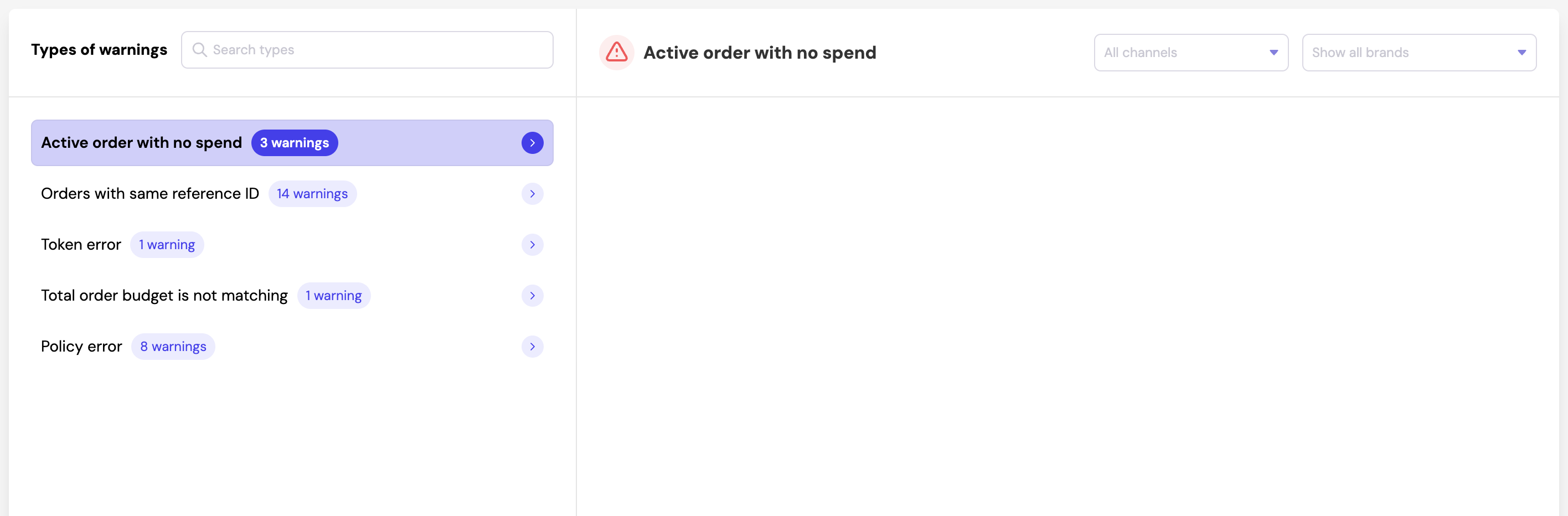
Left Menu - Types of Warnings
The left sidebar displays all available warning types in your account.
You can scroll through the list or use the search bar at the top.
Right Side - Detailed Warning List
When you select a warning type, you will see:
- The selected warning type at the top
- A list of warnings grouped by Brand
- Under each Brand, the affected Order
- The date when the warning was raised
- A short error explanation
- Buttons to Open the order or Mark as Fixed
Filters
At the top of the detailed view, you can filter by:
- Channels
- Brands
This makes it easy to focus on issues relevant to your specific clients or platforms.