![adcredo-knowledge-base-1.png]](https://support.adcredo.com/hs-fs/hubfs/adcredo-knowledge-base-1.png?width=300&height=72&name=adcredo-knowledge-base-1.png)
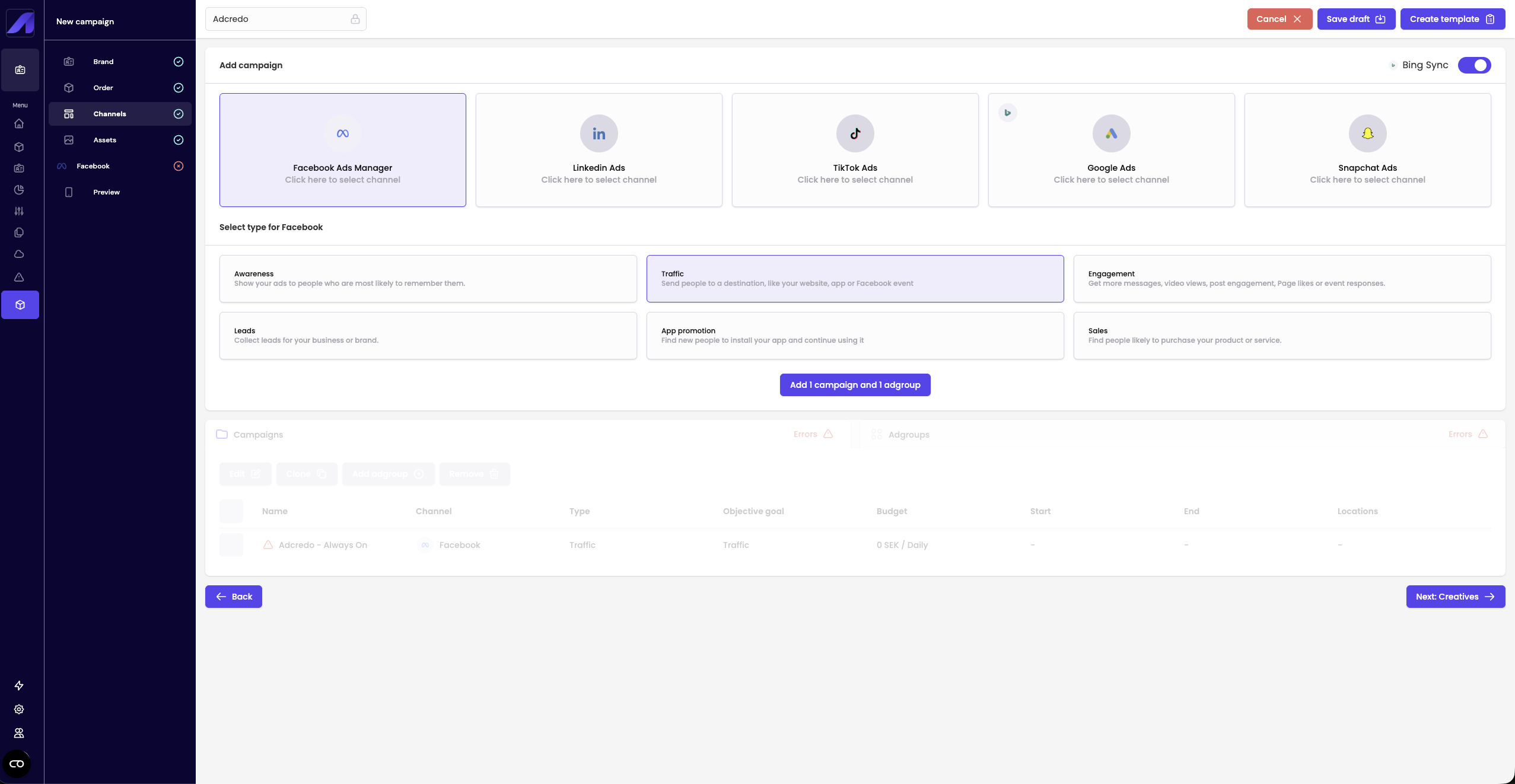
In the Channels step of the campaign builder:
- You see all channels connected to the Brand that can be used for campaign creation (e.g. Meta, Google Ads, Bing, LinkedIn, TikTok, Snapchat, Twitter/X).
- For each channel you want to include:
- Select a campaign objective and add it.
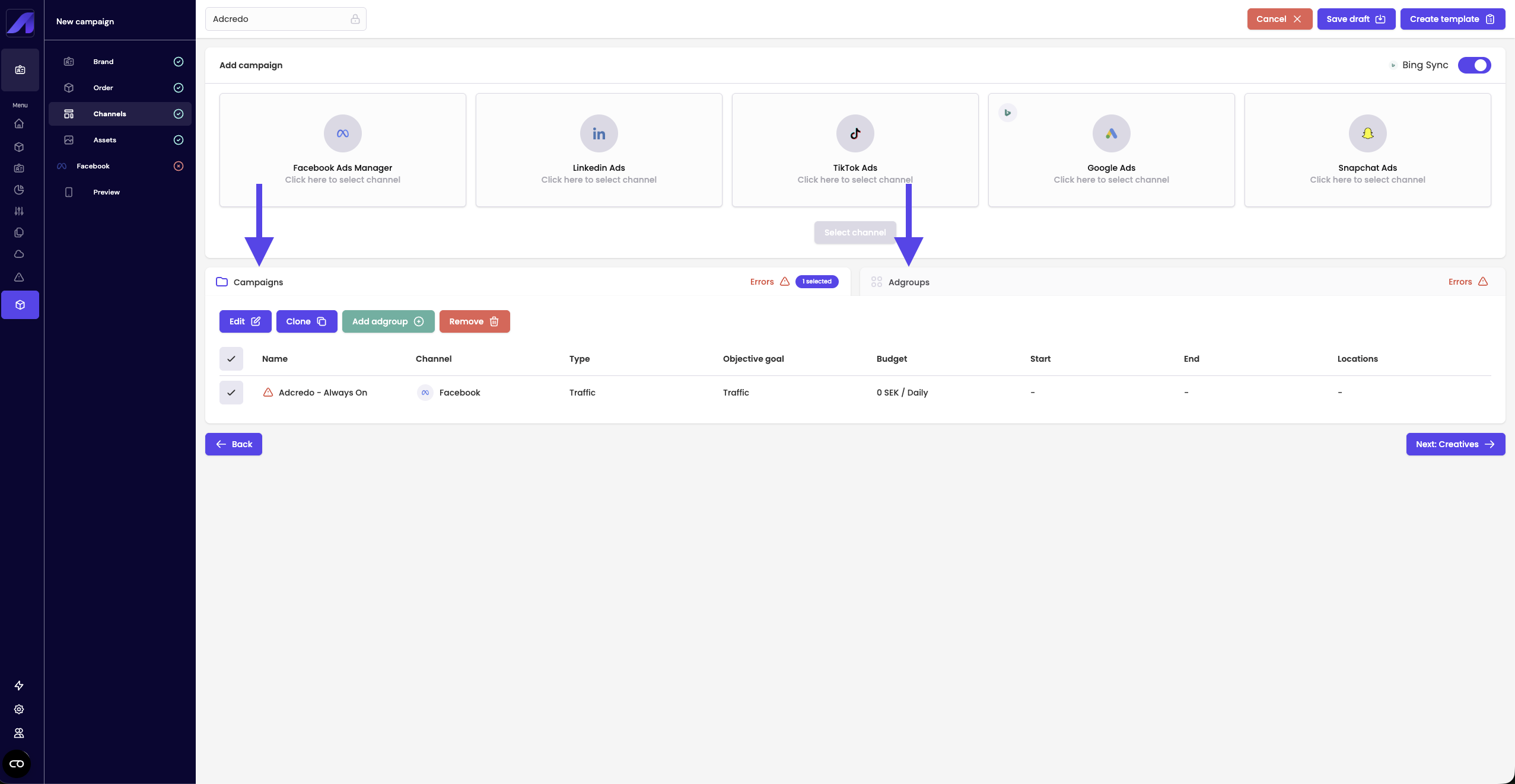
- The channel + objective appear in a list below with:
- Campaign tab.
- Ad group / Ad set tab.
- Campaign tab.
- Select a campaign objective and add it.
- You can:
- Name campaigns and ad groups (order/draft name is inherited by default).
- Edit settings for campaign and ad groups
- Add or remove ad groups.
- Clone or remove campaigns and ad groups.
- See warning triangles indicating missing settings needed to publish.
- Name campaigns and ad groups (order/draft name is inherited by default).
- The logic adapts to each platform, but Adcredo keeps a unified naming convention:
- “Ad group” is used as a common term, even if the platform uses “Ad set” or similar.