![adcredo-knowledge-base-1.png]](https://support.adcredo.com/hs-fs/hubfs/adcredo-knowledge-base-1.png?width=300&height=72&name=adcredo-knowledge-base-1.png)
To connect a channel:
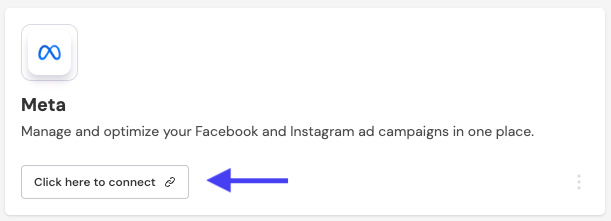
- Go to the Connections view.
- Click the Login button next to the channel you want to connect.
- A popup will appear where you enter the same credentials you normally use to log in to that platform.
- Grant full access to ensure you can use all features in Adcredo just as you would directly on the platform.
- Once confirmed, you will return to the Connections view, and the channel will display the status Connected.