![adcredo-knowledge-base-1.png]](https://support.adcredo.com/hs-fs/hubfs/adcredo-knowledge-base-1.png?width=300&height=72&name=adcredo-knowledge-base-1.png)
Before starting with this process, make sure that you are logged in to the platforms you want to work with. Read more about how to login and access channels.
To connect a platform account:
- Go to your Brand settings.
- Navigate to Platform Connections.
- Select the platform you wish to connect from.
- A popup will appear where you toggle Connect integration.
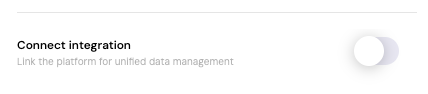
- After connecting, additional information settings will appear:
- Managing Agent – Select who manages the account.
- Account Information – Fill out the required details (these vary depending on the platform).
- Confirm that you have connected the correct account.
- Press Save.
- You will return to the Platform Connections view, where the status will show as Connected for that platform.
