![adcredo-knowledge-base-1.png]](https://support.adcredo.com/hs-fs/hubfs/adcredo-knowledge-base-1.png?width=300&height=72&name=adcredo-knowledge-base-1.png)
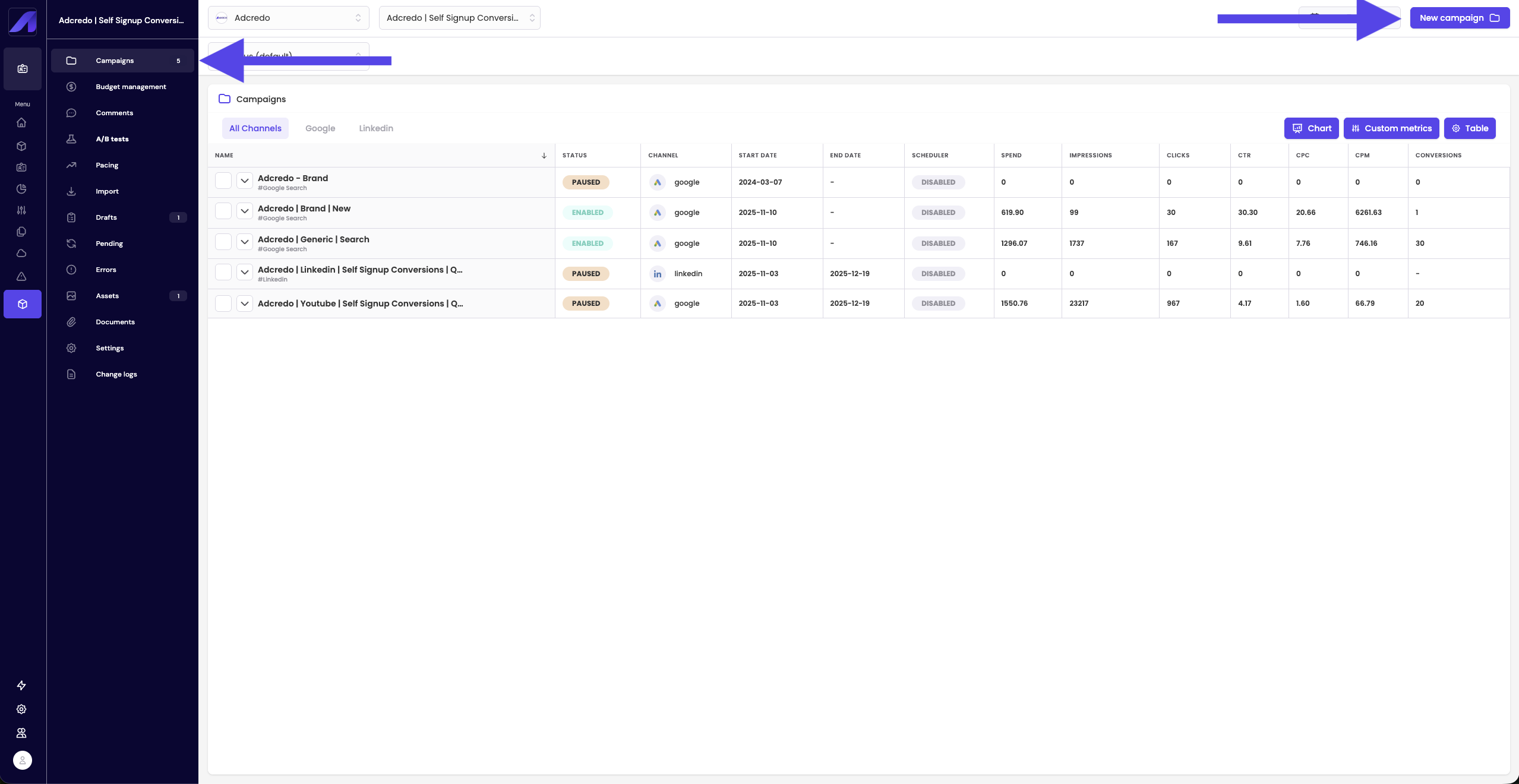
From inside an Order:
- Go to Campaigns or Drafts.
- Click New campaign (top right).
- A slide-out opens to create a draft:
- Enter a draft name (Order name is often inherited but can be changed).
- Choose:
- New draft – start from scratch.
- From template – use a saved campaign draft template.
- New draft – start from scratch.
- Optional: Schedule – to control which days and times campaigns will be active.
- Enter a draft name (Order name is often inherited but can be changed).
- Click Create.
You will enter the campaign builder with a left-hand menu showing:
- Brand (already selected).
- Order (already selected).
- Channels.
- Assets.
- Per-channel verification steps (e.g. Facebook, LinkedIn, Google).
- Preview.
Important: Remember to Save draft regularly. There is no auto-save.