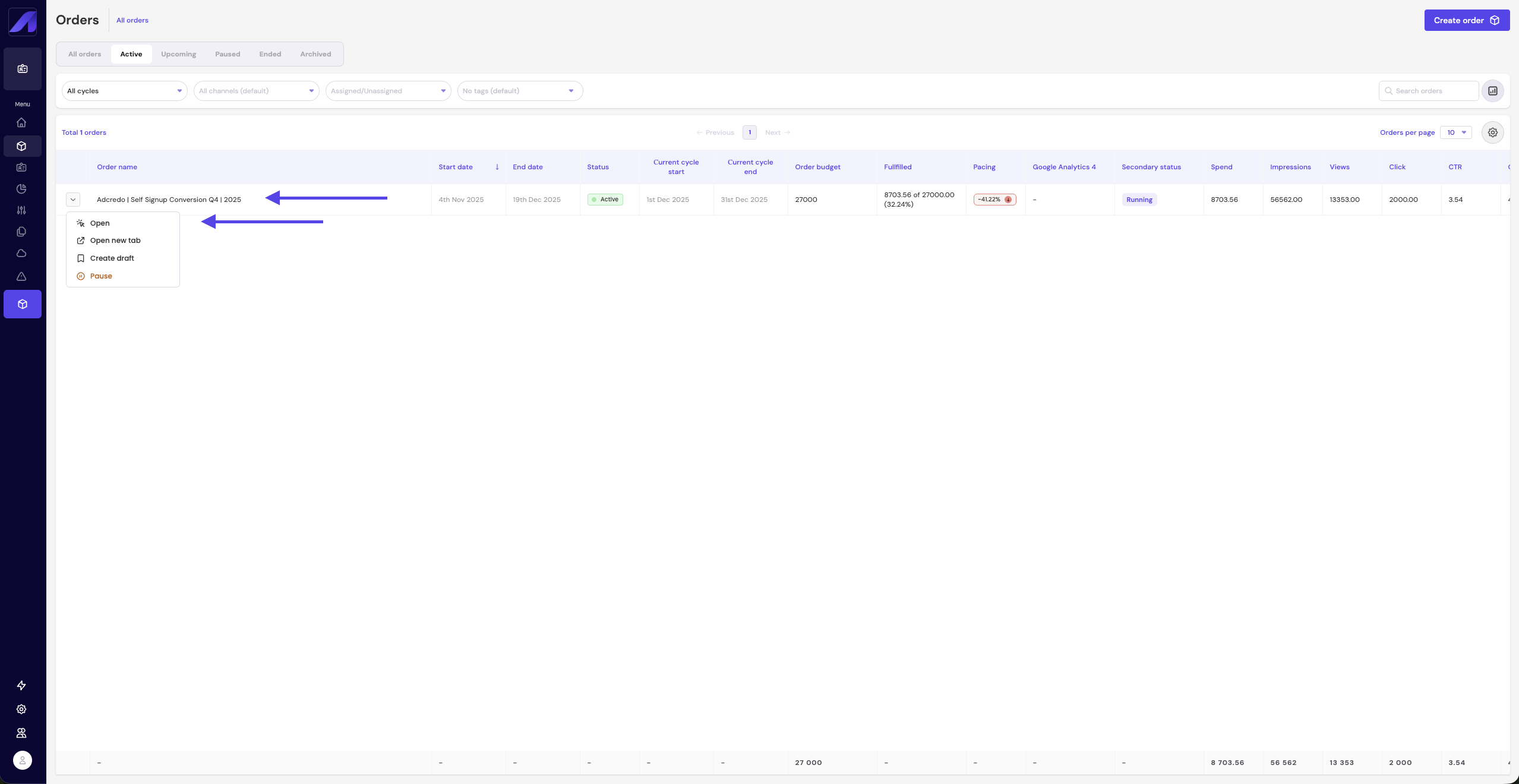
You can click:
- The Order name, or
- The expand arrow next to the name
This takes you to the detailed Order view where you can:
- Review performance
- Edit or optimize
- Manage cycles
- View warnings
- Access connected campaigns
![adcredo-knowledge-base-1.png]](https://support.adcredo.com/hs-fs/hubfs/adcredo-knowledge-base-1.png?width=300&height=72&name=adcredo-knowledge-base-1.png)
You can click:
This takes you to the detailed Order view where you can: