![adcredo-knowledge-base-1.png]](https://support.adcredo.com/hs-fs/hubfs/adcredo-knowledge-base-1.png?width=300&height=72&name=adcredo-knowledge-base-1.png)
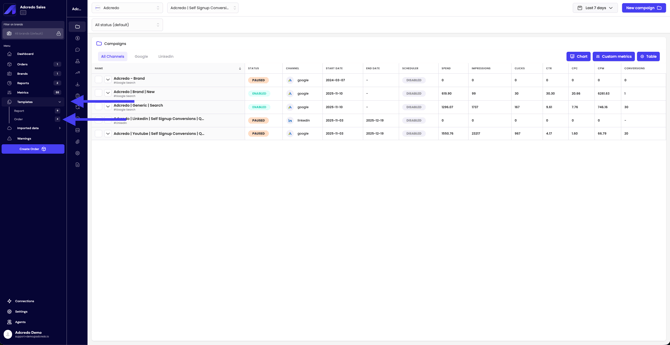
Draft templates are stored under Templates → Order in the main menu.
To create a draft from a template:
- Choose From template when creating a draft.
- Select a saved draft template from the dropdown.
- The channels included in the template appear.
- You can:
- Rename the new draft.
- Set new dates and budgets.
- Use the existing structure as a base.
- Rename the new draft.
- Click Create.
Creatives from the original draft are not saved in templates — when using a template, you typically:
- Keep structure (channels, ad groups, naming).
Update dates, budgets and new creatives.