![adcredo-knowledge-base-1.png]](https://support.adcredo.com/hs-fs/hubfs/adcredo-knowledge-base-1.png?width=300&height=72&name=adcredo-knowledge-base-1.png)
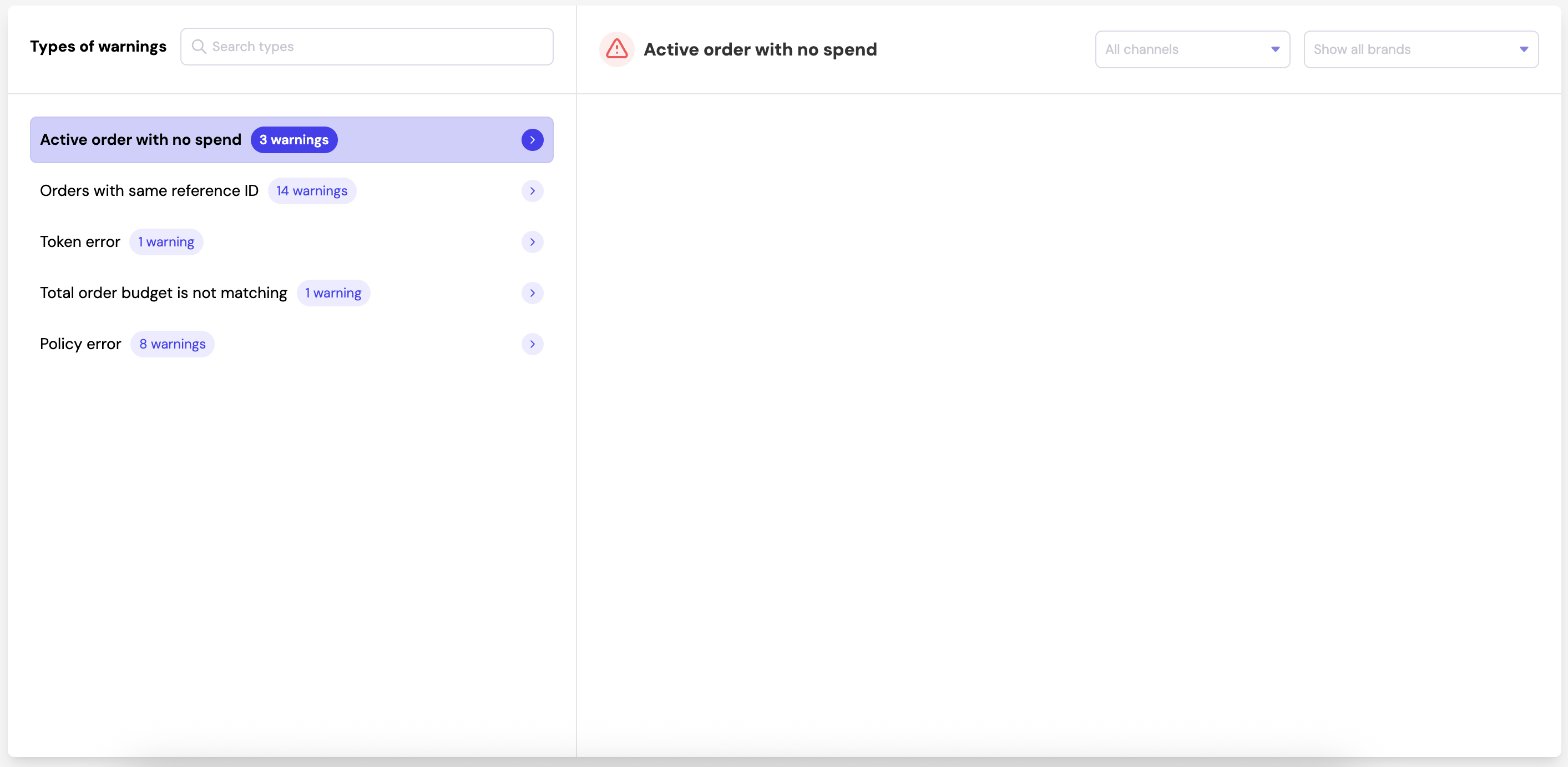
Inside the Warning Center, you can:
- View all warnings grouped by type of issue
- Search for a specific warning type
- Filter warnings by channel (Meta, Google, LinkedIn, etc.)
- Filter warnings by Brand
- See which order the warning belongs to
- See when the warning was raised
- Understand the error message
- Open the order directly to resolve the issue
- Mark warnings as fixed once resolved
- Configure or send email notifications for warnings