![adcredo-knowledge-base-1.png]](https://support.adcredo.com/hs-fs/hubfs/adcredo-knowledge-base-1.png?width=300&height=72&name=adcredo-knowledge-base-1.png)
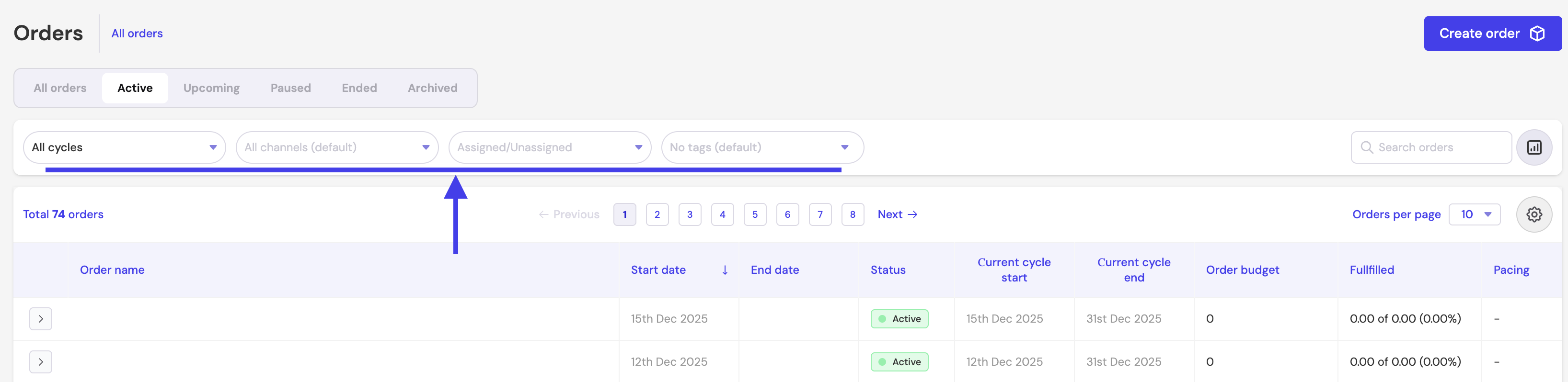
Filters help you narrow down the Orders shown in the table to only focus on what you need.
Common filters include:
- Cycles – View Orders based on the cycle periods selected in the Order.
- Channels – Filter Orders containing specific marketing platforms.
- Assigned / Unassigned – View Orders based on agent/user.
- Tags – Filter Orders grouped by custom tags.
- Search Orders – Search by Order name or relevant values.
Filters update both the table and the KPI summary bar.