![adcredo-knowledge-base-1.png]](https://support.adcredo.com/hs-fs/hubfs/adcredo-knowledge-base-1.png?width=300&height=72&name=adcredo-knowledge-base-1.png)
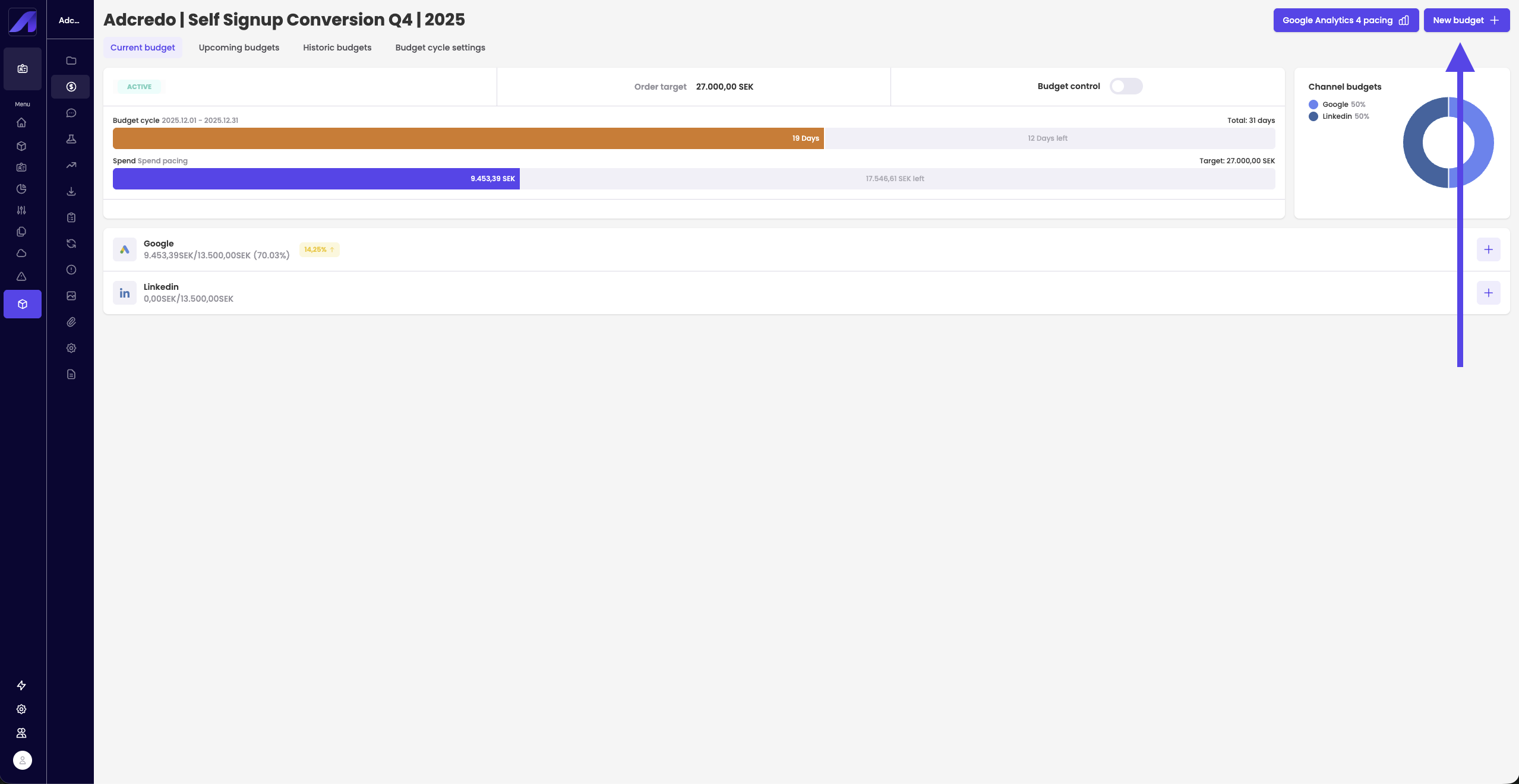
In Budget management you can click New budget to create a new budget rule for the Order.
In the slide-out:
- (Optional) Reference ID – internal tracking.
- Action – Active or Pause.
- Sub-action:
- Spend pacing – Normal pacing mode using the target and cycle.
- Spend rest – Focuses on the remaining budget and remaining days:
- Automatically recalculates daily budgets based on what is left.
- Used if a campaign is too slow/fast to catch up within the remaining cycle.
- Automatically recalculates daily budgets based on what is left.
- Spend total – Ignores previous cycles and focuses only on:
- The new budget.
- The date range you set within the current or next cycle.
- Often used when spend is still zero and you want to push out all budget from now until a specific date.
- The new budget.
- Spend pacing – Normal pacing mode using the target and cycle.
- New order target:
- The new total budget target.
- The new total budget target.
- Original target is only used together with Roll-over.
- Example:
- Your Order target is 100 €.
- In the first cycle you only spend 90 € → 10 € is missing.
- With Roll-over active, those 10 are added on top of the next cycle, so the new active target for the next cycle becomes 110 €.
- Adcredo will then use 110 € as the target when it adjusts and manages the campaign budgets for that next cycle.
- Your Order target is 100 €.
- Original target keeps track of the initial Order target (in this example 100 €), so you always know what the original agreed budget was, even if Roll-over increases the budget between cycles.
- If you do not use Original target, the updated budget (for example 110 € after rollover) becomes the new baseline for future cycles.
- Channel budget split:
- Optionally divide the new budget between channels.
- You can add conditions if needed.
- Optionally divide the new budget between channels.
- Start date:
- If the start date is within the current cycle, the new budget applies immediately to this cycle.
- If the start date is in the future, it will apply to a later cycle.
- If the start date is within the current cycle, the new budget applies immediately to this cycle.
Click Create to apply the new budget.