![adcredo-knowledge-base-1.png]](https://support.adcredo.com/hs-fs/hubfs/adcredo-knowledge-base-1.png?width=300&height=72&name=adcredo-knowledge-base-1.png)
The A/B test section in an Order lets you create cross-channel A/B tests managed by Adcredo (separate from native platform experiments).
To create an A/B test:
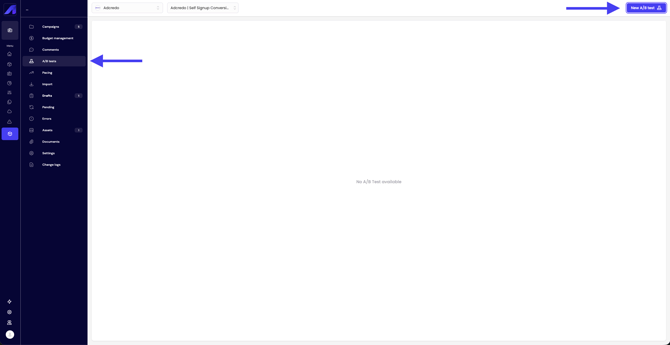
- Go to A/B test inside the Order.
- Click New A/B test (top right).
- A slide-out opens:
- Enter an A/B test name.
- Enter an A/B test name.
- Click Next:
- Select start and end dates for the test.
- Select start and end dates for the test.
- Click Next:
- Select data source:
- You can choose between Campaign or Ad groups.
- You can choose between Campaign or Ad groups.
- Select data source:
- Click Next:
- Select a metric to compare (one main metric).
- Select a metric to compare (one main metric).
- Click Next:
- Pick a chart color per data source for easier comparison.
- Pick a chart color per data source for easier comparison.
- Click Create.
Managing the test:
- The A/B test appears in the list.
- Click the trash can icon to delete it.
- Click the test name to open a slide-out and view results:
- Total results and results per day.
- Age breakdown.
- Gender breakdown.
- Metric performance.
- Total results and results per day.