![adcredo-knowledge-base-1.png]](https://support.adcredo.com/hs-fs/hubfs/adcredo-knowledge-base-1.png?width=300&height=72&name=adcredo-knowledge-base-1.png)
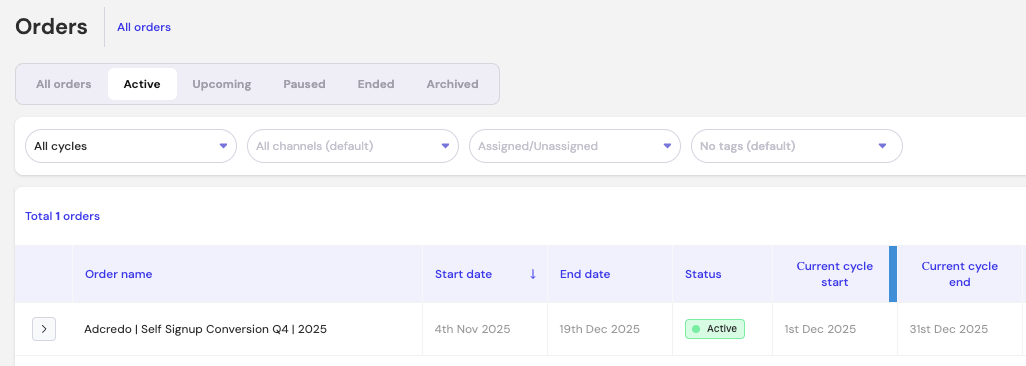
- All Orders – Shows every Order across statuses.
- Active – Orders currently running.
- Upcoming – Orders scheduled for the future.
- Paused – Orders temporarily stopped.
- Ended – Orders that have completed their date range.
- Archived – Orders removed from daily work but still available for reference.
These tabs help keep your workflow clean and easy to navigate.