![adcredo-knowledge-base-1.png]](https://support.adcredo.com/hs-fs/hubfs/adcredo-knowledge-base-1.png?width=300&height=72&name=adcredo-knowledge-base-1.png)
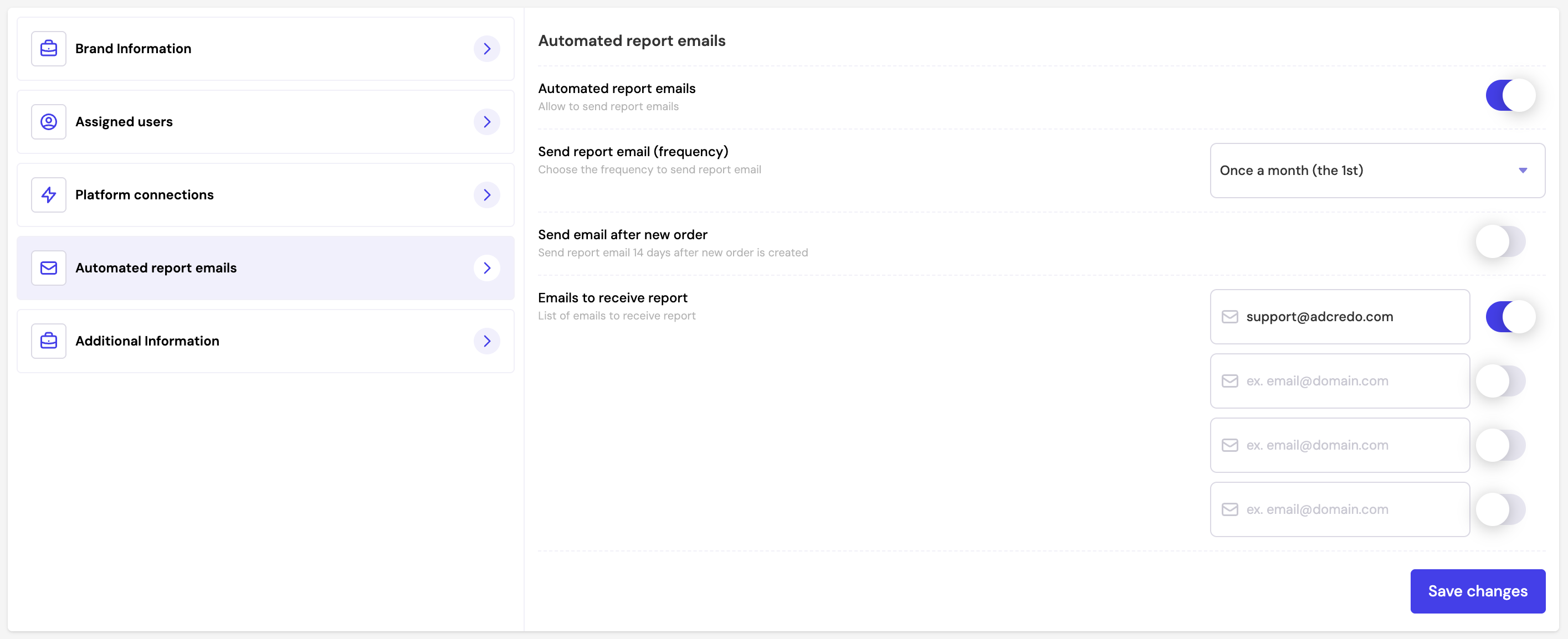
Automated report emails (found under Brand settings) allow you to schedule and send reporting by email based on a recurring time frequency.
You can configure:
- Enable/disable automated reports
- Set frequency for how often reports are sent
- Choose to send reports after a new order is created
- Add multiple recipient emails to receive the report
Click Save changes when done.
Good to keep in mind is that only reports set as "Primary" will be sent out by automated emails activated under brand settings.